Dirt Calculator
Use this dirt calculator to calculate the dirt quantity for your project. Enter the area and the specified depth. Then, select the dirt material. The calculator gives the loose volume and the weight estimate. It also gives the bag quantity, the truckload quantity, and the cost.
Dirt calculator input
Enter the specified dimensions. The result includes a settlement allowance and an overage.
Weight, bag quantity, truck capacity, and cost
Calculation of the dirt quantity
Use the same unit for each measurement. For a rectangle, multiply the length by the width and the specified depth. Divide the cubic feet by 27 to calculate cubic yards.
- 1. MeasurementSelect an area shape. Enter the dimensions and the specified depth.
- 2. AdjustmentSelect the dirt material. Make sure that the settlement loss is correct.
- 3. ResultGive the loose volume to the supplier. Do a check of the supplier quantity.
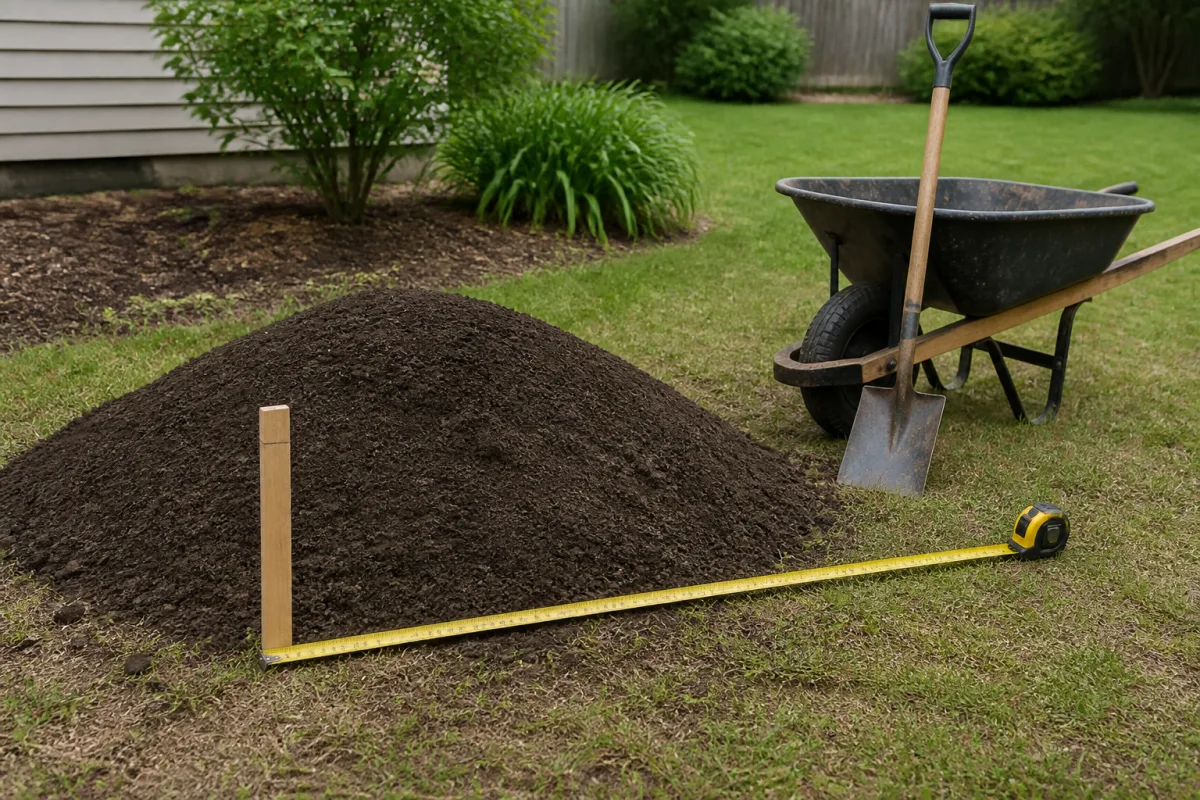
The tape measure gives the area dimensions. The grade stake gives the specified depth. Measure the depth at different positions.
Material selection
Fill dirt
Use fill dirt to increase the grade or to fill a deep area. For grass and other plants, put applicable topsoil above the fill dirt.
Screened topsoil
Use screened topsoil for the plant layer. The quantity of water has a large effect on the weight.
Garden mix
Use garden soil mix in a raised bed. Make sure that the supplier gives the material mixture and the bag volume.
For a structural pad, a retaining wall, or a road, obey the project specification. This calculator calculates the material quantity only.
Coverage of one cubic yard
A small depth gives more coverage. The bars show the coverage before settlement and overage.
Measurements for a yard that is not level
Put grade stakes at the corners and at the low areas. Put a level string at the specified grade. Measure the distance from the ground to the string at intervals of 5 feet. Calculate the average depth from these measurements. A measurement adjacent to a drain can cause an incorrect result. Also measure each wheel track and each small low area.
Divide a yard with an L shape into rectangles. Calculate the volume of each rectangle. Then, add the results. If the grade changes, use more rectangles.
Calculation example
A rectangle is 20 ft long and 10 ft wide. The specified depth is 4 in. Thus, the specified volume is 66.67 ft³, or 2.47 yd³. A settlement loss of 10% and an overage of 5% increase the loose volume to 2.88 yd³. Make sure that the supplier accepts a load of 2.88 yd³.
Questions about the dirt calculator
- How do you calculate cubic yards of dirt?
- What is the weight of one cubic yard of dirt?
- How much does a yard of gravel weigh?
- How much is 1 ton of gravel?
- What is the coverage of one cubic yard of dirt?
- Is more dirt necessary because of compaction?
- When do you use fill dirt or topsoil?
- Can you put one cubic yard of dirt in a pickup truck?
Method and limits
For a settlement loss of 10%, the calculator divides the specified volume by 0.90. Then, the calculator adds the overage. You can change each density value. Water and soil texture change the dirt weight. The calculator does not send your measurements. Refer to the privacy policy for information about website analytics.
References and related tools
The Penn State Center for Dirt and Gravel Road Studies gives information about loose material and material after compaction. The USDA NRCS bulk-density guide gives information about the effect of water and soil texture on bulk density. Use the cubic yard calculator for a volume calculation. Use the concrete calculator for concrete quantities.